If you've read
Part 1 — Why Scan Quality Decides Everything
,
you already know that conversion problems begin at the scanning stage.
In
Part 2 — Preparing Old Printed Pages and Books for Scanning
,
we discussed how preparation affects clarity.
Now let’s answer a practical question: Is a mobile phone enough, or do you need a scanner?
When a Mobile Phone Is Absolutely Fine

- Loose flat pages
- Bright natural lighting
- Clear dark text
- Phone held parallel to the page
For single sheets and clean documents, phone scanning is often sufficient.
Where Mobile Phones Start Failing
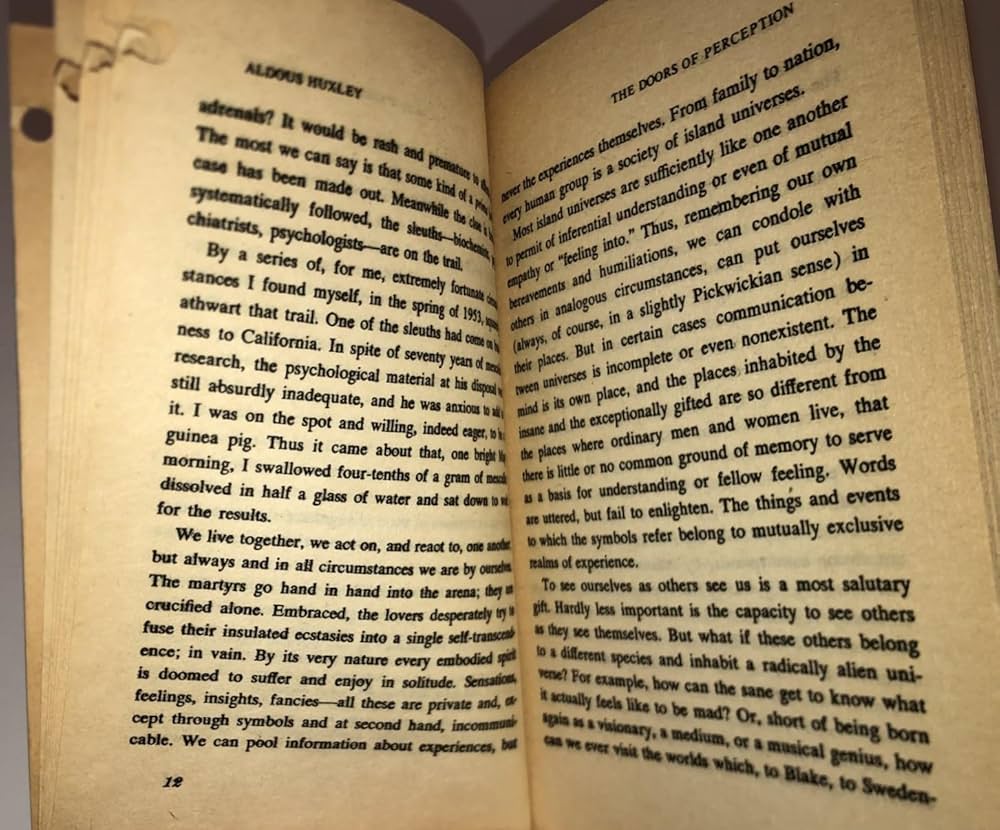
- Thick bound books
- Curved pages near binding
- Middle shadows
- Flash glare
- Uneven lighting
Once distortion enters the image, it cannot be fully corrected later.
When a Scanner Is Clearly Better
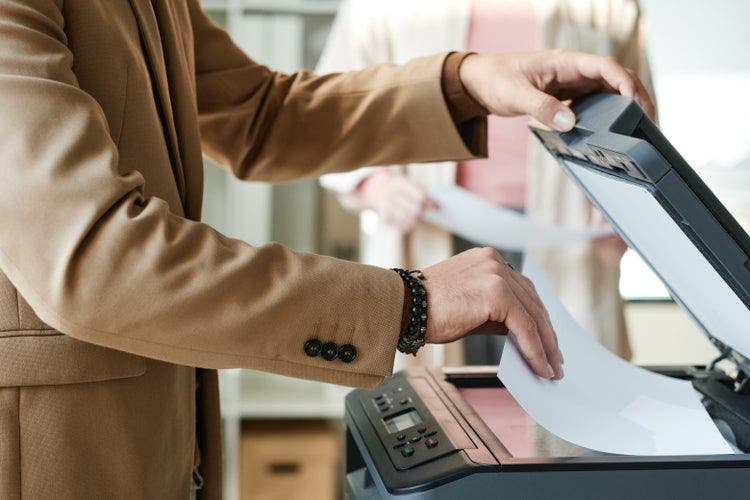
- Large projects
- Academic submission
- Publishing work
- Archival records
Scanners remove perspective distortion and provide consistent output.
Lighting Matters More Than the Device
A good phone with proper daylight can outperform a poorly configured scanner.
Most scanning failures happen because of careless handling — not because of the device.
Common Mistakes to Avoid
- Cropped edges
- Tilted pages
- Visible fingers
- Mixed lighting tones
- Compressed images via messaging apps
Especially compression — it reduces clarity dramatically.
Final Practical Advice
For single flat sheets — a phone is fine.
For books and serious projects — a scanner is safer.
Questions or Clarifications?
If something in this article raised questions — about scanning quality, OCR limitations,
or preparing documents for typing — you're welcome to reach out.
I’m always happy to clarify practical issues or explain details related to document
conversion and typing.
You can email me at
dollartypingservice@gmail.com.
And if you missed the preparation step, revisit Part 2 — Preparing Old Printed Pages and Books for Scanning .
Continue Reading
In Part 4, I explain why OCR is usually the first solution people try — and why it often creates hidden errors, formatting damage, and production problems that aren’t obvious at first glance. If your document needs real accuracy, this is where most people discover the limits of automation.
➜ Read: OCR — Why Most People Try It First, and Why It Fails Them